

First, log in with your personal account. On the sidebar, scroll down to Pages and switch to the page that you want to grant access to.

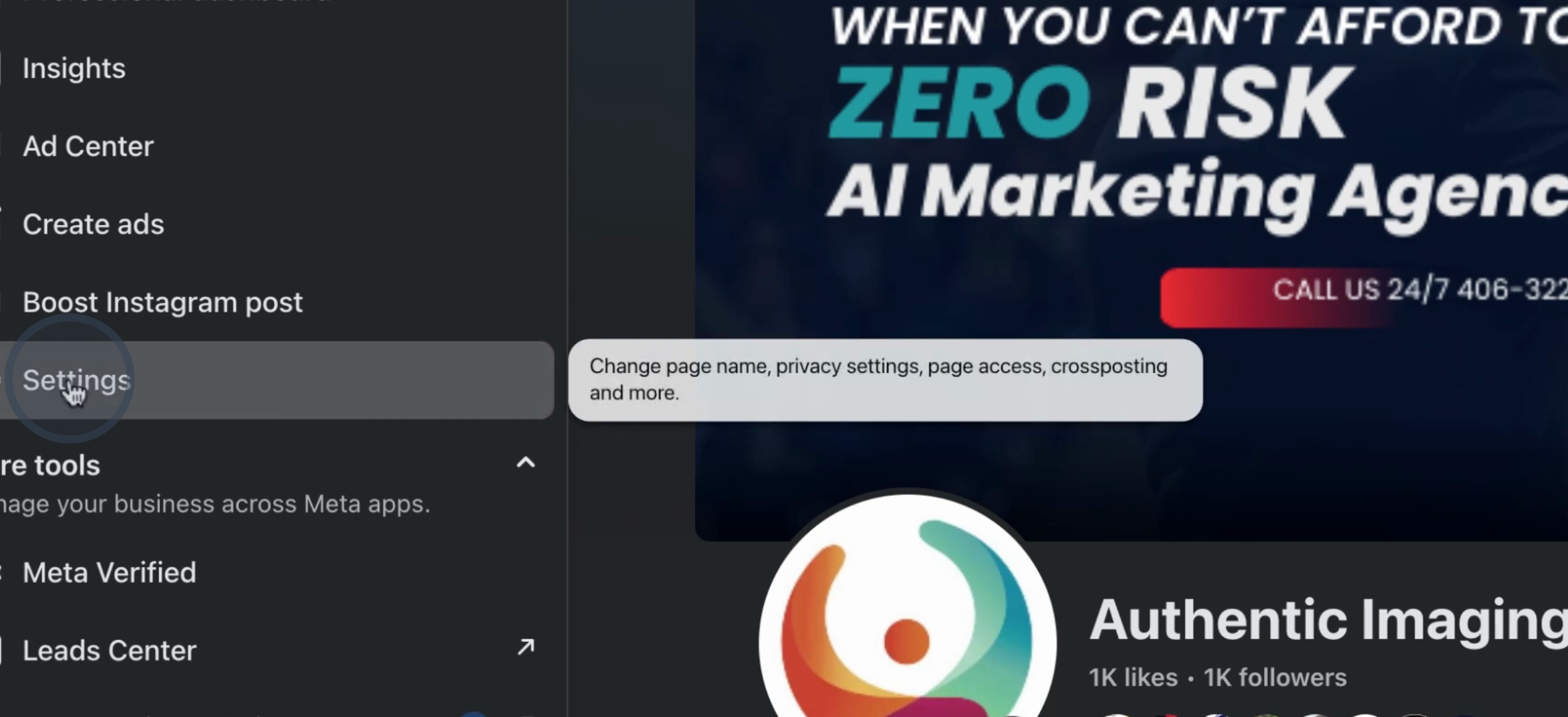
Next, navigate to Settings. In the settings menu, look for Page Setup and then find Page Access.
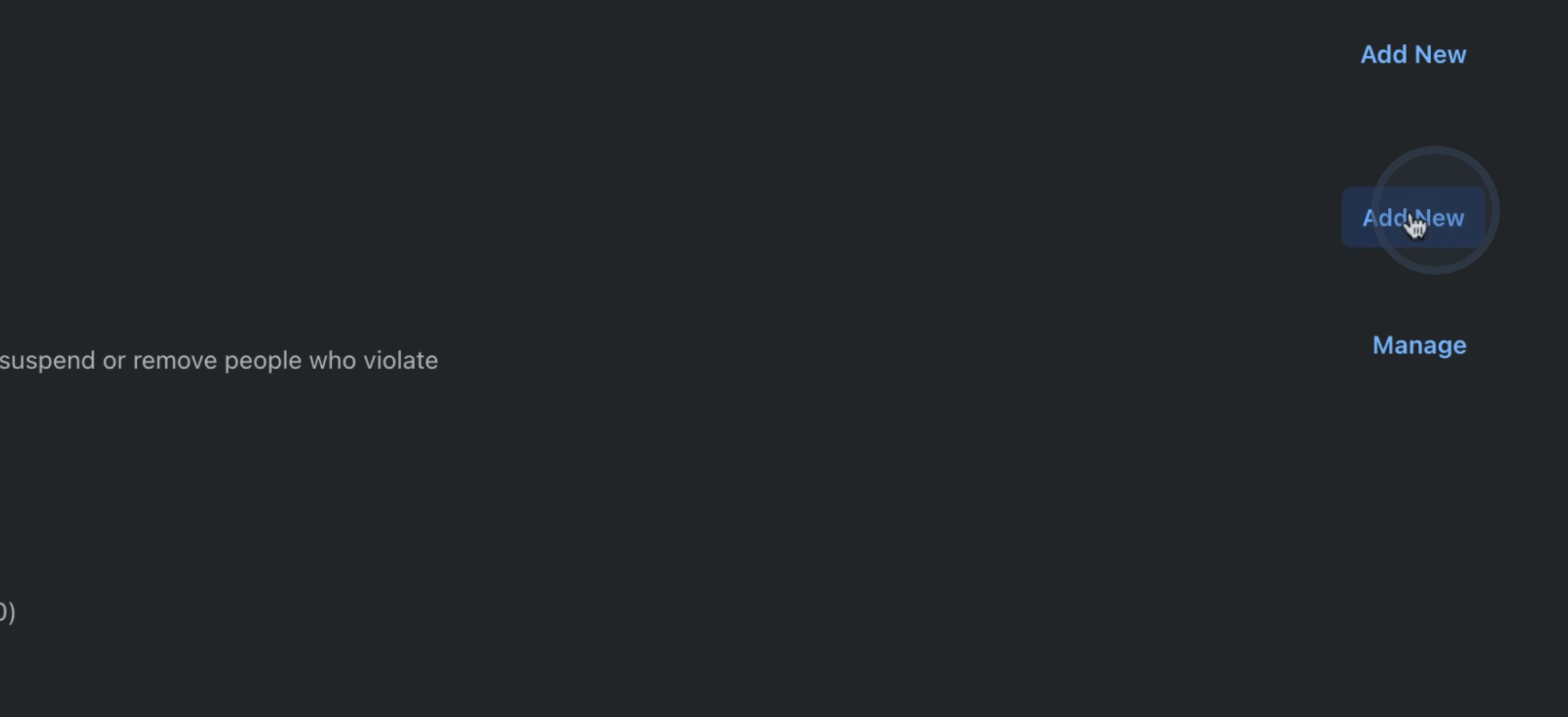
In the Page Access section, you can add new people. Type in the name of the person you want to add, find their name, and then add the user. Ensure that you grant them Admin Access.
By following these steps, you will successfully grant access to manage your Facebook business page.
