
This tutorial will guide you through the process of granting access to manage your Facebook page.
To begin, navigate to business.facebook.com and log into your Facebook account.
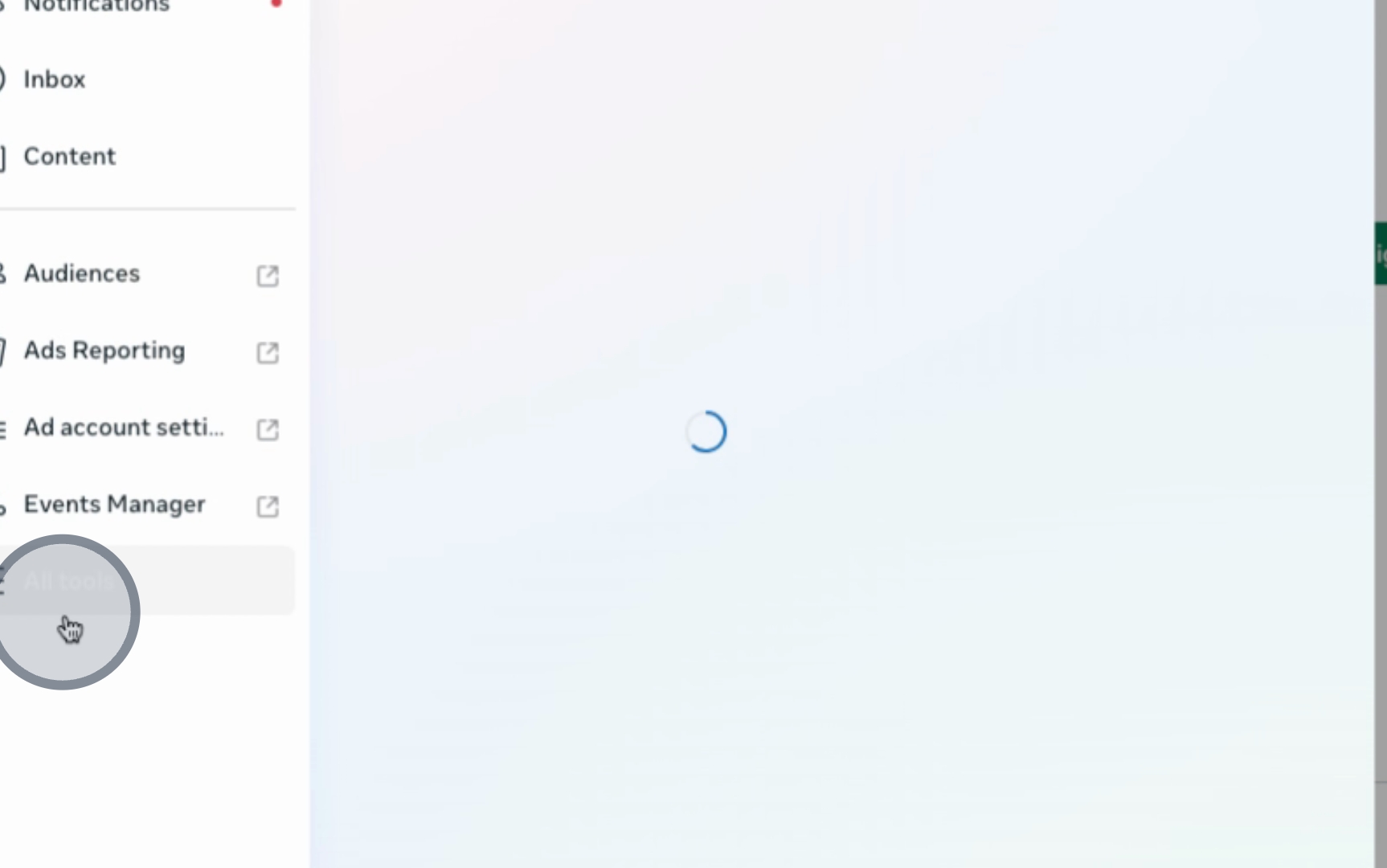
Next, click on All Tools and then proceed to your Settings.
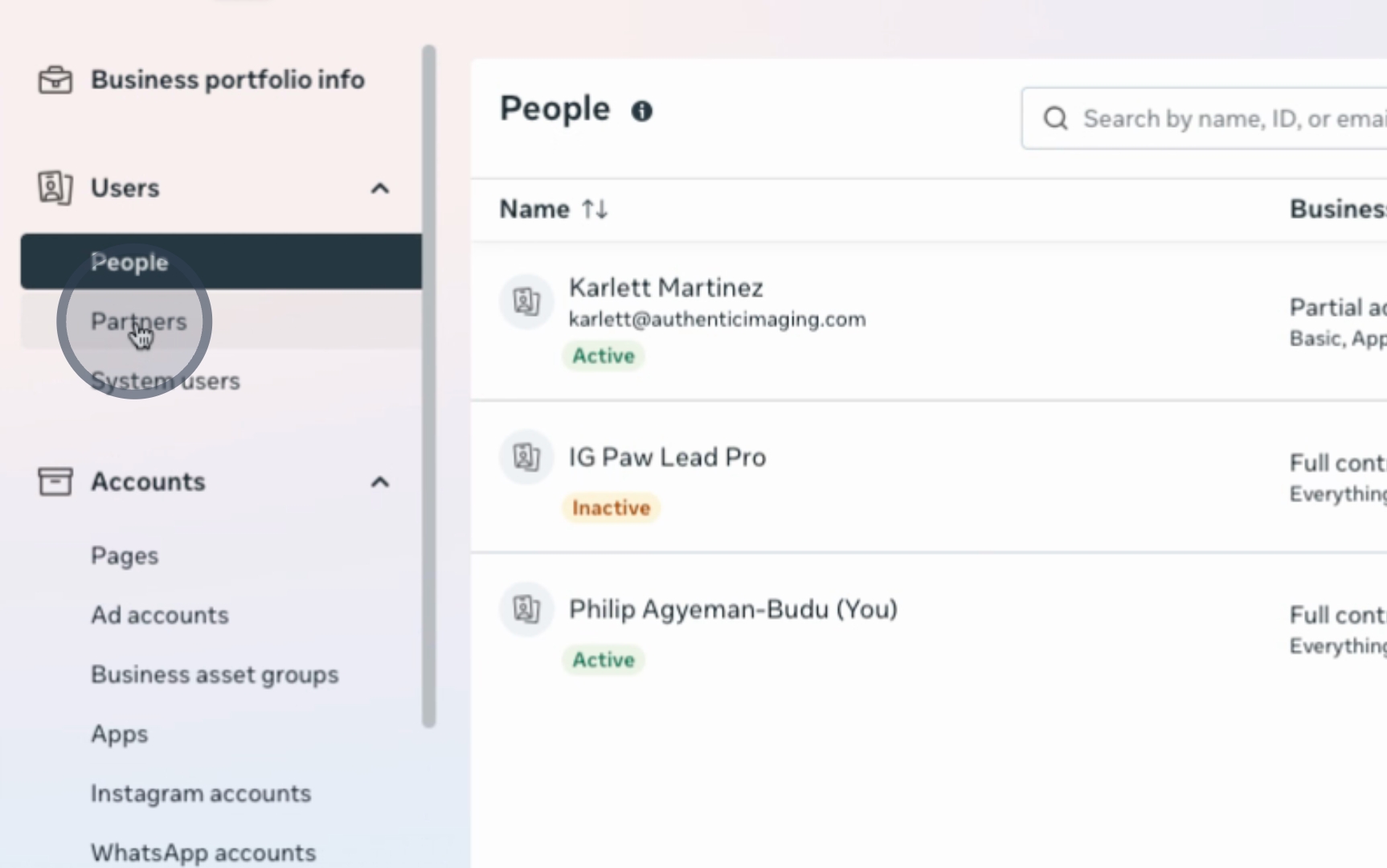
Within the Settings menu, locate the Partners section. Here, you will provide the partner ID that will be shared with you.
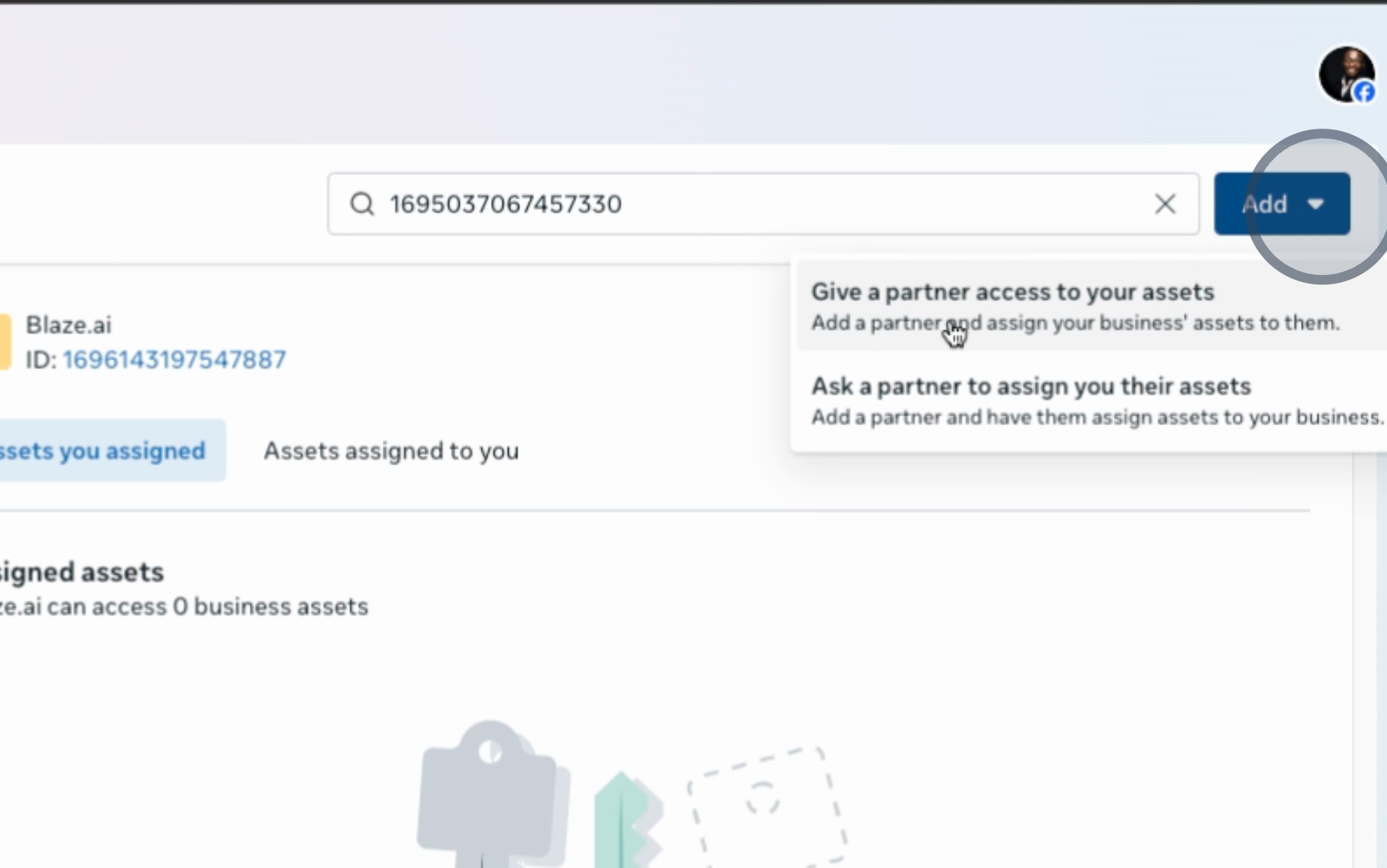
Grant partner access by entering the partner ID, then click on Next.
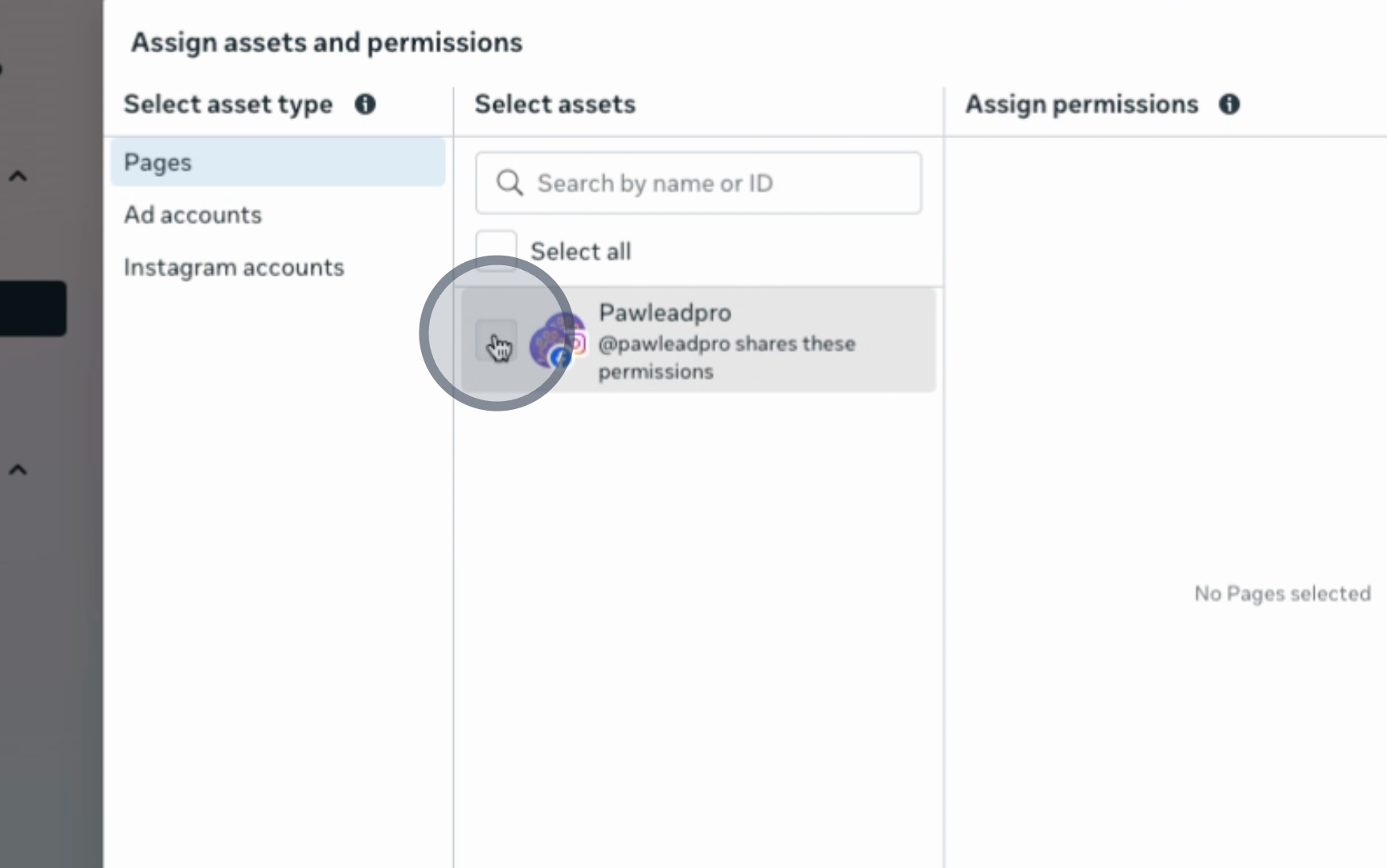
Select the pages you wish to grant access to, ensuring you provide Full Control for your pages, ad account, and Instagram account. Finally, click Assign.
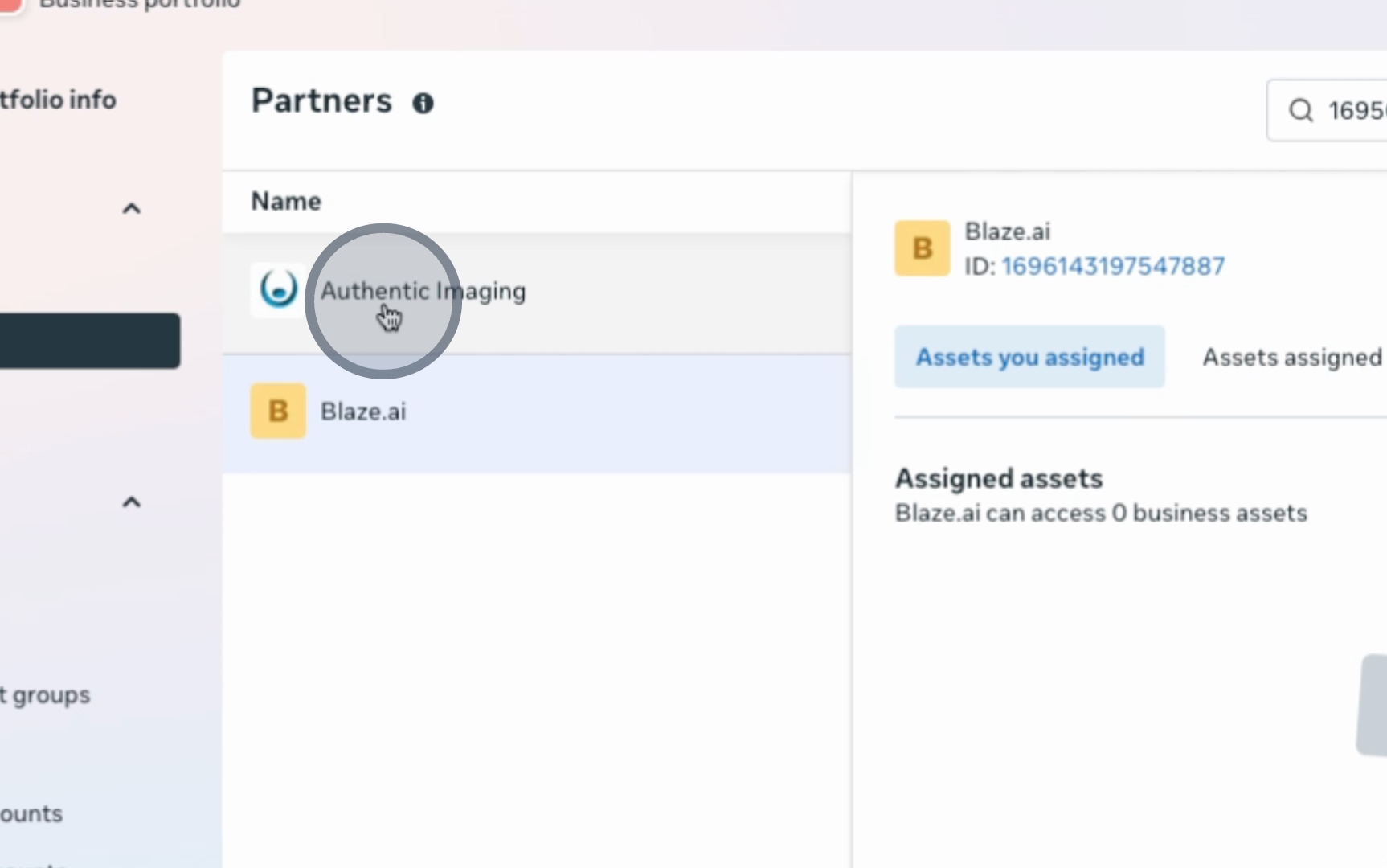
Upon completion, you will see that Authentic Imaging now has access to manage your account, enabling all necessary account management functionalities.
By following these steps, you have successfully granted access to manage your Facebook page.
